Teamviewer is a wonderful tool to access your computer (or any other device) remotely if you need to use your a graphical screen. Probably is not as secure as other linux solutions (as VNC or a VPN) but the main advantage is that is very easy to install and configure.
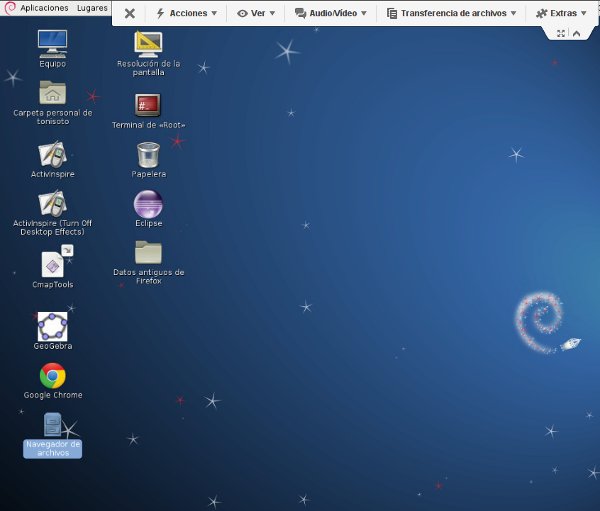
Suppose that we are on holidays far from home and we need to accomplish a task on our home computer using the graphical desktop. We have in our hands another device (for example a nexus7 tablet) and we are connected to WiFi hotspot. There is Teamviewer Apps for Android and IOS. We need Teamviewer installed in both machines: Desktop at home and our tablet, So I’m going to explain how can you launch remotely Teamviewer in your remote computer at home just for the time you need it to perform a particular task. As soon as we finished our job, we will stop it again to be safer.
I assume that you’ve already installed Teamviewer in your linux box and you also have a ssh account to login into your remote linux machine at home (user@home_machine:~$).
Steps:
Continue reading ‘Launching Teamviewer remotely through SSH’ »